Virtual fitting room: try clothes on before you buy
Five fitting rooms, five AI-generated models, ten garments and 19 try-ons. Pick a room and a garment, then drag the divider in the mirror (or use the arrow keys) to compare the original photo with the try-on.
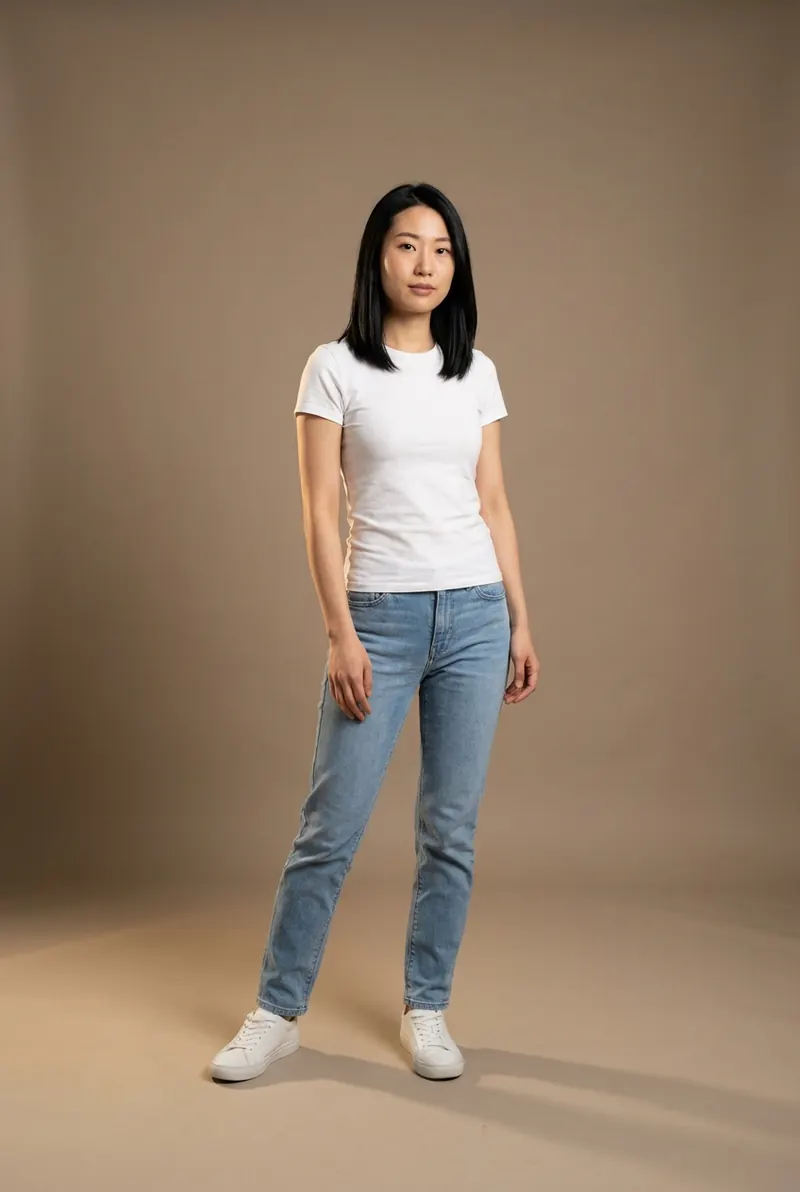
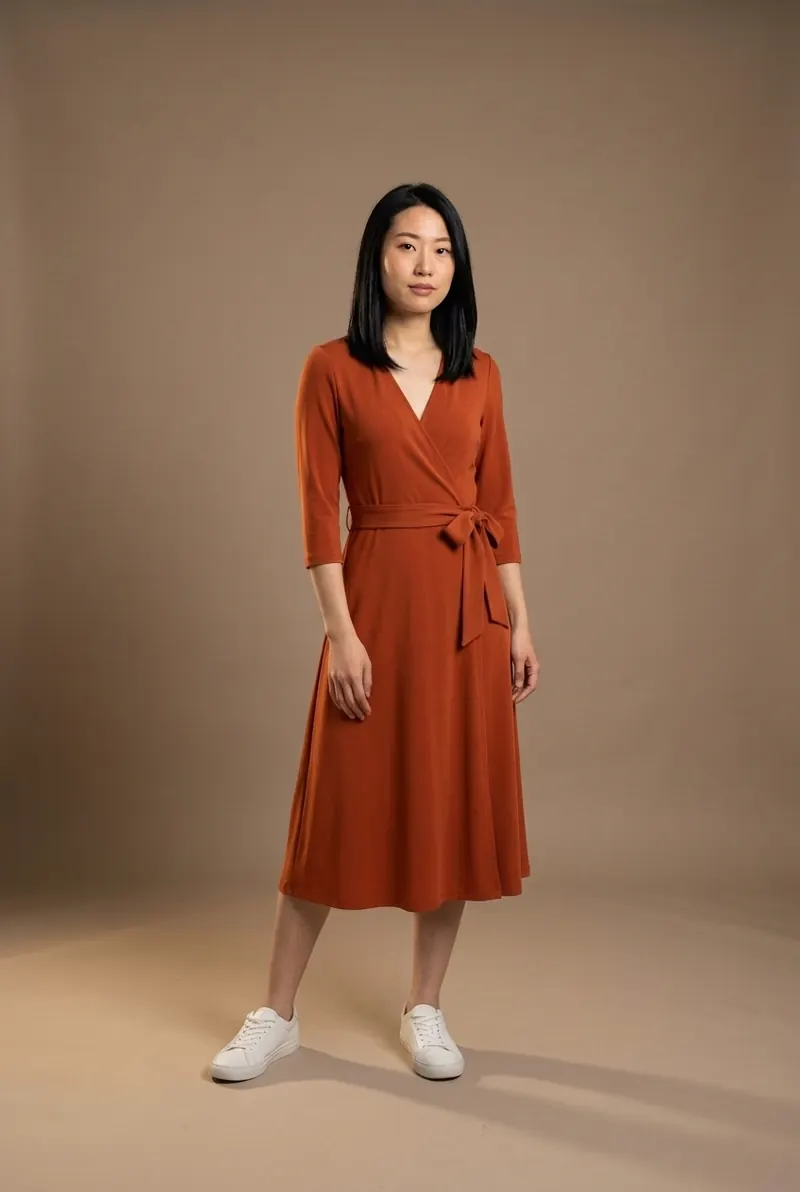
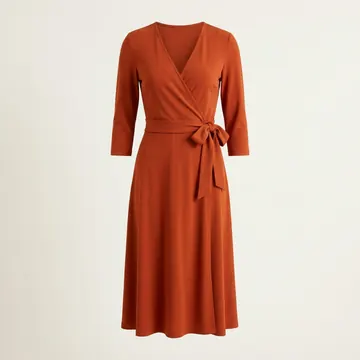
AI try-on example. Room 1 (petite, late 20s, studio photo) in the rust wrap midi dress. The person is an AI-generated model, not a customer.
On the rail
4 looks
Now step in with your own photo
Upload a photo of yourself and a photo or shop link of a garment; FitInView shows you wearing it. Every look in the fitting room gallery was made with FitInView's try-on.
Your first try-on is included with a free account. No card needed.
What a virtual fitting room is, and what it isn't
A virtual fitting room (some shops call it a digital fitting room) is any tool that shows clothes on a body without you putting them on. The phrase covers three quite different technologies, and they answer different questions. Knowing which one you are using tells you how far to trust what you see before you try clothes on for real, or decide you don't need to.
Every look in the gallery mirror is an AI photo try-on: the original photo and a product photo go in, and a new photo of the same person wearing that garment comes out. That kind of virtual try-on is good at some things and simply blind to others.
What the mirror shows well
- Color next to your skin and hair, in the light your photo was taken in.
- Style and proportion: where a hem lands against your knee, how a wide leg balances your shoulders, whether a collar suits your face.
- Drape, roughly: whether a fabric reads as fluid or stiff on a body shaped like yours.
- Combinations: a new piece with the jeans or shoes you are already wearing in the photo.
What it can't promise
- Your size. The model draws a plausible version of the garment on you. It doesn't know the measurements of the size you would order.
- Exact fit: a tight armhole, a waistband that digs in, sleeves a little too long.
- Feel: weight, scratchiness, warmth, or whether the fabric is see-through in daylight.
- Small details. Button counts, pattern scale and stitching can come out slightly different from the product.
So use a try-on to decide whether you want something, and the size chart to decide which one to order. The guide to returns and fit shows how to check size against a garment you already own, with a small calculator.
Three kinds of virtual fitting room
| Question | AR overlay | 3D avatar | AI photo try-on |
|---|---|---|---|
| What you see | Your live camera image with a garment or accessory drawn on top | A digital body built from your measurements or a scan, wearing a simulated garment | A new photo of you, generated from your own photo and a garment photo |
| Works with | Only items the shop has prepared as 3D or AR assets | Only garments that have been digitized, usually from their sewing patterns | Any garment you have a clear photo or product page of |
| Good at | Glasses, makeup, jewelry, shoes and watches; turning your head and moving live | Showing where a given size may be tight or loose, if your measurements are accurate | Looking like you: your face, body, pose and room, with believable folds |
| Weak at | Loose or long clothes and drape; garments can float or slip as you move | Looking like you; setup takes time; small catalogs | Exact size and fit; fine details can drift; one still image, not a live view |
For the longer version, including how each one is built and when each makes sense, read how virtual fitting rooms work.
The photo you start with matters more than anything else
A try-on can only keep what is in your photo, so a few minutes spent on it pays off in every result after.
- Stand facing the camera. Get your whole body in frame if you want to see dresses or trousers; waist up is enough for tops and jackets.
- Wear something fitted and plain, so the new garment has a clear outline to follow.
- Face the light. A window in front of you beats one behind you.
- Keep your arms a little away from your sides and your hands out of your pockets.
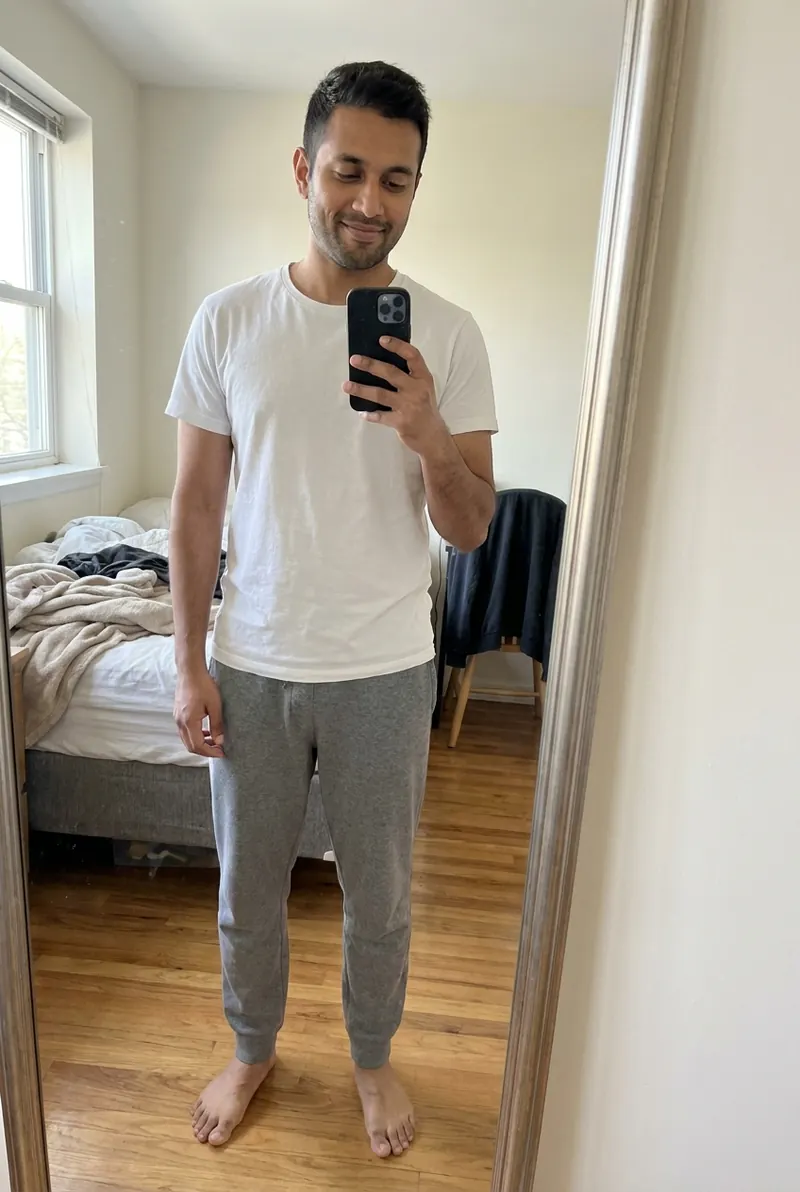
- A plain wall helps, but an ordinary room is fine, as Room 4 shows.
There is more, with examples of photos that don't work, in the photo tips for virtual try-on.
More from the fitting room
- How virtual fitting rooms workAR overlays, 3D avatars and AI photo try-on, side by side, with the limits each one has.
- Shopping online with a fitting roomA routine for trying clothes on before buying: which product photo to use, and what to check afterward.
- Photo tips for virtual try-onHow to take a photo that gives a clean, believable result, mirror selfies included.
- Virtual fitting room privacyA checklist for any try-on app: where photos go, how deletion works, and whether they train AI models.
- Returns and fitWhat a try-on can do about returns, what it can't, and how to check size with a garment you own.
Questions people ask about virtual fitting rooms
What is a virtual fitting room?
A tool that shows clothes on a body without you trying them on: a live camera overlay, a 3D avatar, or an AI-generated photo of you wearing the garment. Every example on this page is an AI photo try-on.
Can a virtual fitting room tell me what size to buy?
An AI photo try-on can't. It shows style, color and roughly how a fabric drapes, not how a particular size will fit. 3D avatar tools built from real garment patterns can estimate fit, but only for garments a shop has digitized, and only as accurately as your measurements. For size, compare the product's garment measurements with a piece you own that fits.
Are the people in the gallery real customers?
No. They are AI-generated models made for this site, so no real person's photo is on display. The try-ons were made with FitInView's try-on, using the same instructions it applies to an uploaded photo, from the product photo shown with each look.
What kind of photo do I need?
One clear photo of you standing and facing the camera, in fitted clothes and decent light. Full length for dresses and trousers; waist up is enough for tops. A mirror selfie works if the phone doesn't cover your face.
Does it work with clothes from any shop?
With FitInView you can upload a photo of the garment or paste a shop link. Clean product photos on a plain background tend to give the most faithful result.
What happens to my photo?
On FitInView, your photos are private to your account and you can delete them. For any other app, run through the questions in the virtual fitting room privacy checklist before you upload.
Is it free to try?
Your first try-on is included with a free account. No card needed.